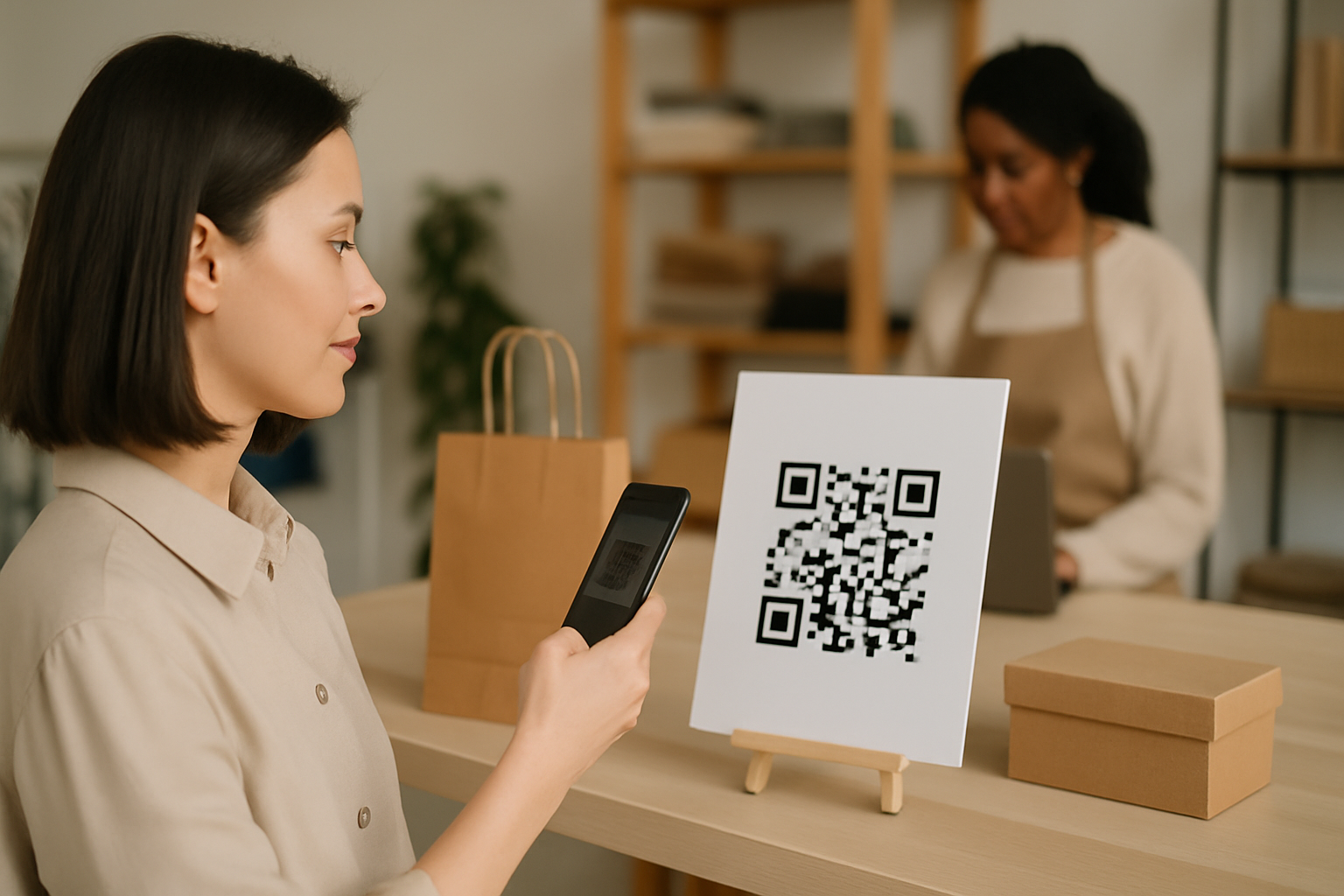
If you hand the same flyer to English and Spanish speakers, both scan the same QR code — and both land on the same page, regardless of what language their phone is set to. Language-based dynamic routing fixes that. It reads the device's locale setting at scan time and forwards each visitor to the right URL before they see a word of content.
This isn't a feature most small business owners know exists, but it's one of the more practical applications of dynamic routing for anyone selling to a multilingual audience.
How Language Detection Actually Works
When a smartphone opens a URL, its browser sends an Accept-Language header — a short string like es-MX, fr-FR, or zh-TW. Dynamic QR platforms that support language routing intercept this header at the redirect layer and match it against the rules you've set. The whole process takes milliseconds and is invisible to the scanner.
What you configure, in plain terms:
- Default URL — where anyone goes whose language isn't explicitly mapped (usually your primary market's page)
- Language rules — one or more locale codes paired with a destination URL
Some platforms let you match broadly (es catches all Spanish variants) or narrowly (es-MX only catches Mexican Spanish). Broad matching is almost always the right choice unless your Mexican and Spanish landing pages are genuinely different.
When Language Routing Is Worth the Setup
Not every campaign needs it. Language routing earns its setup cost in situations like these:
- Bilingual printed menus — a restaurant with English and Spanish patrons uses one printed QR; each group hits their version of the digital menu.
- Trade show materials — a brand exhibiting at an international expo prints one batch of brochures; attendees from six countries land on six localized product pages.
- Packaging shipped across borders — a single label with one code serves both a US and a Canadian French market without requiring separate print runs.
- Retail signage in mixed-language neighborhoods — one window cling routes English and Mandarin speakers to separate promotional pages.
- Employee-facing manufacturing instructions — a factory floor QR code routes to safety docs in the worker's device language.
The clearest signal that you need this: you're already maintaining separate landing pages per language but running separate QR codes (or manually updating a single code each time you shift focus). Language routing collapses that into a single code with a single print job.
Setting It Up: Step-by-Step
The following steps apply to most dynamic QR platforms, including the one at Super QR Code Generator.
1. Build your destination pages first. Language routing is useless if the pages don't exist yet. Make sure each localized URL is live and mobile-optimized before you configure any rules.
2. Create a new dynamic QR code. Static codes embed a fixed URL — they can't route. You need a dynamic code. If you're unsure which code type to start with, the QR Code Finder can point you to the right format before you build anything. 🔧
3. Enter your rules in priority order.
Most interfaces process rules top-to-bottom. Put your most specific locale codes first (pt-BR before pt), then catch-all language codes, then the default.
4. Test from real devices. Change your phone's language in Settings, scan the code, and verify the redirect. Do this for every locale you've configured. Emulators can miss edge cases; a real device won't.
5. Check your analytics by destination. After launch, review which destination URLs are receiving traffic. Understanding the six metrics that actually drive decisions — including per-destination scan counts — tells you whether your language distribution matches what you expected from your audience.
Common Mistakes to Avoid
Routing by country instead of language. Country-based routing uses the scanner's IP address. Language routing uses the device locale. These are not the same: a German tourist in Miami has a US IP but a German phone setting. Route by language unless you have a specific legal or pricing reason to use geography.
Forgetting right-to-left scripts. If you're routing to Arabic or Hebrew pages, confirm those pages actually render correctly on mobile before printing anything. A routing rule that works perfectly but sends someone to a broken layout defeats the purpose.
Using the same QR code design on all materials. If your English and Spanish flyers look identical, neither audience knows the code is meant for them. A brief CTA in each language ("Scan for more" / "Escanea para más") on the respective flyer removes that friction. For design guidance that keeps scans reliable across different printed materials, the branded QR code design guide covers module and eye shape choices that affect scannability at small sizes.
Not setting a sensible default.
If you map es and fr but not de, a German scanner hits your default. Make sure that default is your strongest or most universal page — not a half-built placeholder.
Letting destination URLs go stale. Language-routed codes share the same printed artifact. If one destination page goes offline, all scanners hitting that locale get a broken experience. Put a recurring calendar reminder to audit every destination URL at least once a month.
A Quick Reference: Language Codes You'll Use Most
| Language | Broad code | Common regional variant |
|---|---|---|
| Spanish | es |
es-MX, es-ES |
| French | fr |
fr-FR, fr-CA |
| Portuguese | pt |
pt-BR, pt-PT |
| Chinese (Simplified) | zh-Hans |
zh-CN |
| Chinese (Traditional) | zh-Hant |
zh-TW |
| Arabic | ar |
ar-SA, ar-EG |
| German | de |
de-DE, de-AT |
Most platforms accept standard BCP 47 codes. If yours uses a different format, check the documentation — the underlying logic is the same.
Key Takeaways
- Language routing reads the scanner's device locale (
Accept-Languageheader) and redirects them automatically — no separate codes required. - It pays off most on print materials used across multilingual audiences, where reprinting per language is expensive or impractical.
- Always build and test destination pages before configuring rules, and test from real devices in each target locale.
- Set a meaningful default URL for any language you haven't explicitly mapped.
- Monitor per-destination scan data after launch; unexpected distribution often reveals audience insights (or a misconfigured rule).