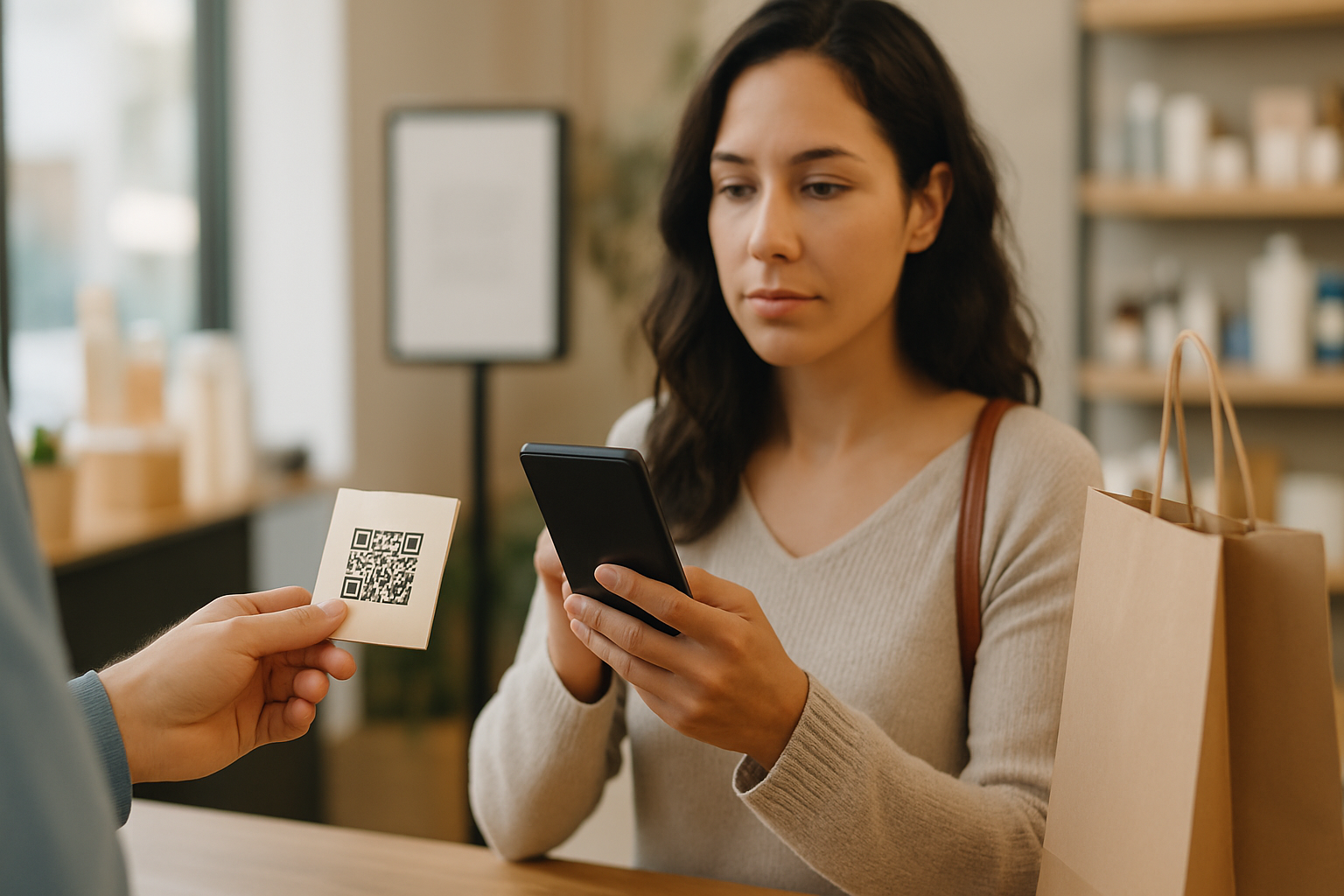
Most people scan QR codes without a second thought. That's exactly what attackers are counting on. Whether you're a customer scanning a restaurant menu or a marketer auditing your own campaign materials, knowing what to look for before you scan can prevent a redirect to a phishing page, a malware download, or a credential-harvesting form.
This checklist works in two directions: use it to protect yourself as a scanner, and use it to audit your own printed QR materials before customers interact with them.
Why the "Scan First, Ask Questions Later" Habit Is Risky
QR codes are opaque by design. The human eye cannot decode the pattern to read the destination URL. Attackers exploit this by placing stickers over legitimate codes, printing fraudulent codes on fake invoices, or sending codes in phishing emails. The destination is hidden until the camera fires — and at that point, many people are already clicking through without reading the URL.
This is why verification has to happen before and immediately after scanning, not after you've entered your password.
The 7-Point Verification Checklist
1. Check the Physical Condition of the Code
If you're scanning a printed QR code in a physical location, look at it closely. A sticker placed over the original code is one of the most common physical attack vectors — the sticker layer may be slightly raised, misaligned, or have a different print quality than the surrounding material. If anything looks tampered with, don't scan. Report it to the venue.
2. Look at the Surrounding Context
Legitimate QR codes in physical spaces appear in context: a branded menu, a sign with the company logo, an official receipt. A code taped to a public surface with no branding or explanation is a red flag. Ask: does this code belong here? Is there a clear, credible reason it's in this location?
3. Use a Scanner That Previews the URL
Most modern smartphone cameras preview the destination URL before you open it. Train yourself to actually read that preview. Key things to spot:
- Is the domain spelled correctly? (e.g.,
paypa1.cominstead ofpaypal.com) - Is there an unusual subdomain before a legitimate-looking domain? (e.g.,
paypal.com.evil.net— here the real domain isevil.net) - Does the URL use HTTPS?
- Is it a shortened URL (bit.ly, tinyurl, etc.) with no visible destination?
4. Distrust Unexplained URL Shorteners
Short URLs hide the final destination. While many legitimate campaigns use them, an unsolicited or unbranded short URL in a QR code is worth treating as suspicious — especially in emails, WhatsApp messages, or on paper you didn't request. The risks of stacked shorteners are significant enough that understanding how URL shorteners interact with QR codes is worthwhile reading for any marketer using dynamic codes.
5. Check the Destination Page Before Interacting
Once you've opened the page — but before you type anything or tap any button — run a fast trust check:
- HTTPS padlock present? Not sufficient on its own, but its absence is disqualifying.
- Domain matches the expected brand? The page might look identical to a real site but be hosted on a lookalike domain.
- Are you being asked for credentials or payment immediately? Legitimate services rarely gate access behind a login on the first page of a QR scan without explanation.
- Privacy policy and contact details visible? Phishing pages rarely bother with these. You can cross-reference what a legitimate landing page should include with the trust signals scanners check before converting.
6. Verify Dynamic Codes You Own Regularly
If you've deployed dynamic QR codes for your business, the redirect destination can be changed — by you, or (in theory) by anyone who gains access to your dashboard. Audit your active codes monthly:
- Log in to your QR platform and confirm the destination URL for each live code.
- Scan the code yourself from a fresh session and verify it lands where you expect.
- Check that the destination page is still live and hasn't been compromised.
This is one of the underappreciated differences in the static vs dynamic QR code decision: dynamic codes offer enormous flexibility, but they require an ongoing security posture that static codes don't.
7. Watch for Unusual Permission Requests After Scanning
Some malicious QR destinations attempt to trigger browser permission prompts (microphone, camera, location, notifications) immediately on page load. If a page you arrived at via QR code asks for unusual permissions before you've done anything, leave immediately and report the code. No legitimate restaurant, retailer, or service provider needs your microphone to show you a menu.
For Business Owners: Harden Your Own QR Deployments
If you're distributing QR codes through your small business or marketing campaigns, the checklist above is also a useful lens for what your customers are (or should be) evaluating. A few practices that reduce risk on your end:
- Use a platform with domain verification so your QR codes always resolve through your own branded short domain, not a generic one.
- Print tamper-evident materials where codes appear — embossed frames, holographic overlays, or QR codes integrated into the design rather than added as stickers.
- Include visible context around every code: your logo, a brief description of the destination, and ideally the raw URL in small print underneath.
- Set up scan monitoring and alert yourself to unusual traffic spikes that could indicate someone has redirected your code or placed a counterfeit.
You can generate secure, trackable codes directly from Super QR Code Generator and keep the destination URL under your control.
Key Takeaways
- The biggest QR security risk is the URL being hidden before you tap through — train yourself to read the preview.
- Physical tampering (stickers over codes) is a real attack vector in restaurants, transit, and retail environments.
- Unexplained URL shorteners and immediate credential requests after scanning are the two clearest red flags.
- Business owners should treat their deployed dynamic QR codes as active digital assets that need regular auditing, not set-and-forget tools.
- Adding visible branding and a plain-text URL around your printed codes reduces both fraud risk and scanner hesitation.