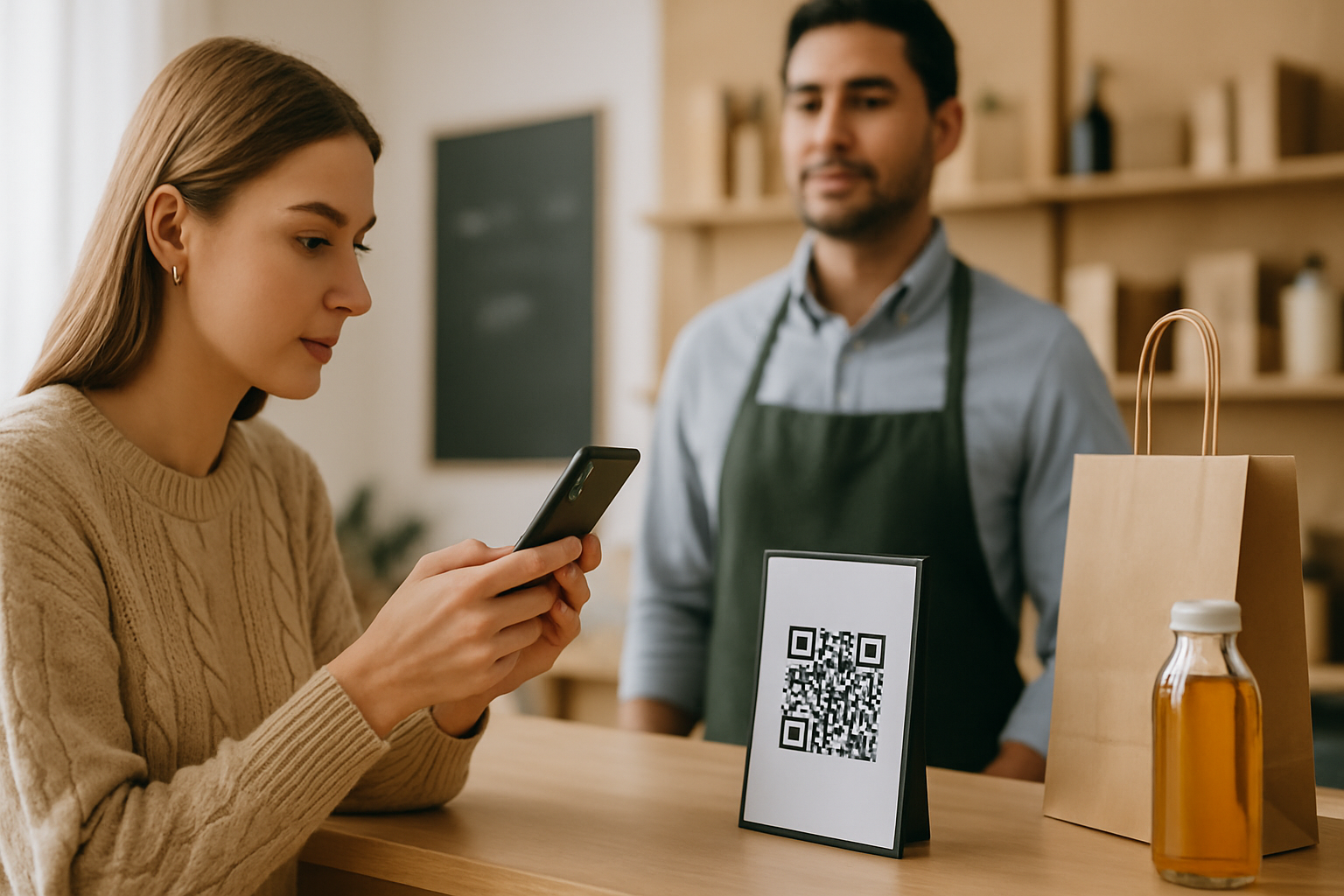
When someone scans your QR code, they hand control of their browser to a URL they never typed. That's an act of trust — and their phone knows it. Modern iOS and Android browsers now show a preview URL before launching, and security-aware users (increasingly everyone) will abandon a landing page the moment something feels off. The problem for legitimate businesses is that your page can look suspicious without you realising it. This checklist covers the seven signals that scanners — and their browsers — evaluate in the first three seconds.
Why "Looks Fine to Me" Isn't Enough
Phishing awareness campaigns have made consumers warier. After high-profile quishing attacks in 2024 and 2025, major email clients and MDM tools began flagging QR destinations the same way they flag email links. Your legitimate campaign can get caught in that same net if the landing page misses basic trust markers.
Understanding what a QR code actually encodes is step one — it's just a URL, which means every rule that applies to trustworthy URLs applies here.
The 7 Trust Signals Checklist
1. HTTPS With a Valid, Matching Certificate
This is table stakes. The domain in your QR code destination must match the certificate served. A mismatch — even a subdomain mismatch like shop.example.com vs a cert issued to *.example.net — triggers a browser warning that most users treat as a hard stop.
Action: Check your cert in a browser's padlock menu before printing. Look at "Issued to" and confirm it matches your URL exactly.
2. A Recognisable, Branded Domain
xn--exmple-cua.com and example-offers-2026.net are classic phishing patterns. Your destination URL should use your primary brand domain — not a third-party shortener, not a hyphenated variant, not a free subdomain.
If you're using dynamic QR codes (which route through a redirect), make sure the final destination domain is yours. Buried redirects through unrecognisable domains signal risk even when the final page is legitimate. The article on QR codes and URL shorteners breaks down exactly which shortener patterns raise flags and why.
3. Consistent Brand Identity Above the Fold
The first screenful must show:
- Your logo (not a stock image, your actual logo)
- Brand colours that match what the user saw on the physical material
- A headline that directly references the context they scanned from ("Thanks for scanning at [Event Name]" outperforms generic "Welcome")
Inconsistency between the printed piece and the page is the number-one reason legitimate campaigns get mentally filed as phishing by cautious users.
4. No Immediate Permission Requests
Phishing pages often fire permission prompts — camera, location, notifications — the moment a page loads. Even if you need location for a legitimate use case (a store finder, for example), delay the request until after the user has engaged with content. An immediate prompt on a freshly scanned page is a red flag pattern your users have been trained to distrust.
5. A Visible, Clickable Privacy or Terms Link
This one surprises people. A short footer with a real privacy policy link does two things: it satisfies browser-based security scoring tools that crawl QR destinations, and it signals to privacy-conscious users that a real business with legal obligations owns this page. One sentence and a link is enough. A dead link or a "coming soon" page is worse than nothing.
6. Page Load Under 3 Seconds on Mobile
Slow pages look broken, and broken pages look like phishing. Users on mobile data expect a QR destination to resolve faster than a page they navigated to deliberately — because the implicit promise of a QR code is "instant access." Google's Core Web Vitals data consistently shows mobile abandonment spikes sharply after 3 seconds. Use a CDN, compress images, and avoid heavy JavaScript frameworks for simple campaign pages.
7. A Clear, Specific Call to Action
Vague pages — a logo, some text, no obvious next step — are a trust negative. Not because they're insecure, but because they look unfinished, and unfinished pages pattern-match to phishing staging environments. Your CTA should tell the user exactly what they're getting and what happens when they tap it:
| Weak CTA | Stronger version |
|---|---|
| "Click here" | "Download your 10% discount code" |
| "Learn more" | "See today's lunch menu" |
| "Submit" | "Reserve your free sample" |
Quick Audit: Run This Before Every Campaign
Before you finalise any QR print run, open your landing page URL on a phone you don't normally use (so there's no cached session), and ask:
- Does the browser show a green padlock and your brand domain?
- Is my logo visible without scrolling?
- Did any permission dialogs fire unprompted?
- Can I find a privacy or contact link in under five seconds?
- Did the page fully load in under three seconds on mobile data?
- Is it obvious what I should do next?
If any answer is no, fix it before printing. Reprinting stickers is expensive; losing user trust is more expensive.
How This Connects to Dynamic vs Static Codes
Dynamic QR codes let you update the destination URL after printing — which is valuable for fixing a broken or flagged landing page without reprinting materials. If a security scanner flags your destination and you need to move to a cleaner URL structure, a dynamic code means you change one setting, not thousands of printed pieces. That alone justifies the switch for any campaign running longer than a week.
Key Takeaways
- HTTPS with a matching domain cert is non-negotiable — a mismatch stops users cold.
- Your landing page must visually echo the physical material that carried the QR code; mismatches read as phishing.
- Delay permission requests; firing them on page load is a trust-killer even for legitimate use cases.
- A privacy link and a clear CTA are cheap to add and meaningfully lift perceived legitimacy.
- Test your landing page from an unfamiliar device on mobile data before every print run.
- Dynamic codes give you a recovery option if you need to change the destination URL after launch — worth using on any multi-week campaign.
Build trust signals into every page that a QR code points to, and you'll stop losing legitimate scans to user suspicion — which is just as damaging to your conversion rate as an actual security threat. Our Super QR Code Generator lets you set and update destinations at any time, so you're never locked into a page that isn't performing.