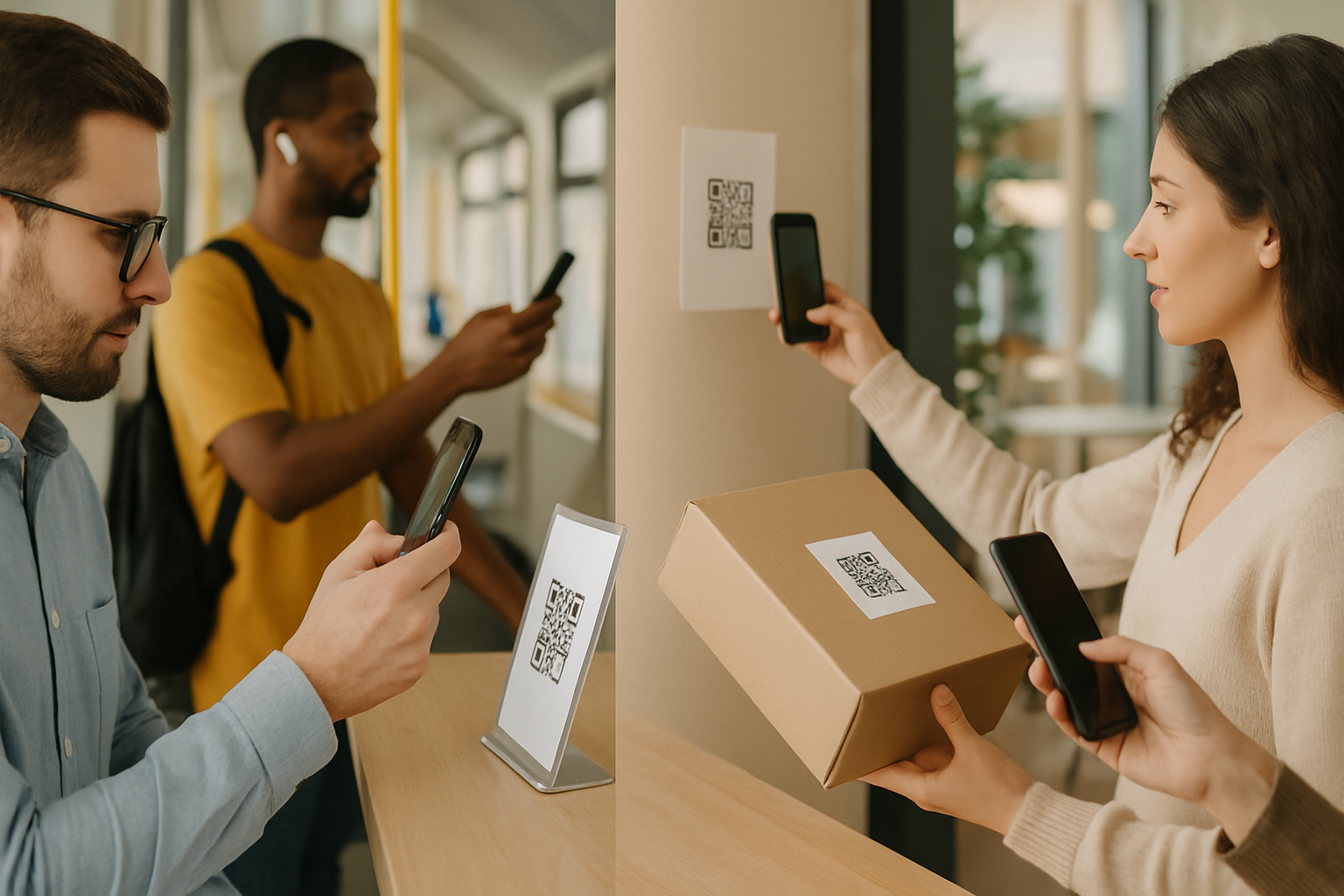
Most dynamic QR routing conversations focus on geography or language. But time-of-day routing — sending the same printed code to different URLs depending on when someone scans it — solves a specific, common problem: you have one physical surface and multiple offers that belong to different moments of the day.
Here are five scenarios where time-based routing earns its keep, plus the practical details that make each one work.
What Time-Based Routing Actually Does
A dynamic QR code stores a short redirect URL, not the final destination. When someone scans, the platform checks the current time (based on timezone you configure), then forwards the scanner to whichever URL you've mapped to that window. The printed code never changes. The destination does.
If you're not sure whether your use case needs dynamic routing at all, the article on static vs dynamic QR codes covers the underlying mechanics and when static codes are the better, simpler choice.
5 Time-Based Routing Scenarios
1. Restaurant Table Cards: Breakfast vs. Lunch vs. Dinner Menu
A printed table card with one QR code can route scanners to three different menu URLs based on time windows:
- 6:00–10:59 → Breakfast menu
- 11:00–15:59 → Lunch menu
- 16:00–23:59 → Dinner menu
This eliminates the "sorry, we're not serving that right now" confusion and removes the cost of printing three separate card sets. The fallback URL (for times outside your windows, like late night) should go to your homepage or a "kitchen is closed" page — not a 404.
Gotcha: Configure your timezone explicitly. Cloud routing platforms default to UTC, which will break your windows if your restaurant is in Chicago or Sydney.
2. Retail: Flash Sales During Off-Peak Hours
Foot traffic data consistently shows that weekday mornings are slow for most retail. A time-based QR code on your window or checkout counter can route to a "Morning Deal" landing page from 9:00–11:00, then revert to your standard offer page for the rest of the day.
This approach pairs naturally with scan-time analytics — you can see exactly how many people engaged with the morning window versus the default. That data is genuinely useful for deciding whether to continue the promotion or adjust the time bracket. The QR code analytics guide explains which metrics to watch beyond raw scan counts.
3. Event Venues: Before, During, and After the Show
A QR code printed on a wristband or ticket stub can serve three phases of an event:
| Time window | Destination |
|---|---|
| Pre-show (doors open – start) | Venue map, bar menu, sponsor offers |
| During show | Merch store or tip jar |
| Post-show | Review prompt, mailing list signup, next event |
This requires accurate knowledge of your event schedule, but the setup is a one-time configuration. If the show runs long, your routing window for "post-show" just means some latecomers hit the review page early — not a disaster.
4. Service Businesses: Routing to Live vs. After-Hours Booking
A plumber, clinic, or salon with a QR code on a flyer or van can route:
- Business hours → Live booking form (with real-time availability)
- After hours → A callback request form or a page explaining response times
This prevents the frustrating experience of scanning, landing on a booking form, and finding no available slots because the system isn't staffed. It also sets honest expectations — which tends to convert better than sending everyone to the same page regardless of context.
5. Hospitality: Check-In vs. Check-Out vs. In-Stay Services
Hotels and short-term rental hosts can place one QR code in the room that routes based on the guest lifecycle:
- Arrival window → Check-in instructions, Wi-Fi password, parking info
- Mid-stay → Concierge requests, room service, local recommendations
- Departure window → Express checkout link, review request
The specific time windows depend on your standard check-in/check-out times, so configure them to match your property's policy. Guests who scan outside all defined windows (unusual but possible) should land on a generic "how can we help" page rather than an error.
Configuration Details Worth Getting Right
Timezone alignment. Set the routing timezone to where your physical codes are deployed, not where your account is registered.
Overlap gaps. Make sure every hour of the day is covered by some window, even if that window goes to a generic fallback. Gaps where no rule matches will either error out or show an old destination depending on your platform.
Testing. Most platforms let you manually override the current time in a preview mode. Test each window before the code goes to print. Once it's on a banner or a card, reprinting is the only fix — and that's avoidable.
Scan analytics per window. Some platforms break out scan counts by routing rule, which tells you which time window is getting the most engagement. If your after-hours window drives 40% of scans for a service business, that's a meaningful signal about when your marketing is reaching people.
Our Super QR Code Generator supports time-based routing rules with per-window analytics, so you can see exactly which window each scan hit.
Key Takeaways
- Time-based routing solves the "one printed code, multiple contexts" problem without reprinting.
- Always configure timezone explicitly — UTC defaults cause silent failures.
- Cover every hour with a routing rule, including a sensible fallback for off-hours.
- Test each time window in preview mode before the code goes to print.
- Scan-time data broken out by routing window turns time routing into a measurable campaign tool, not just a convenience feature.