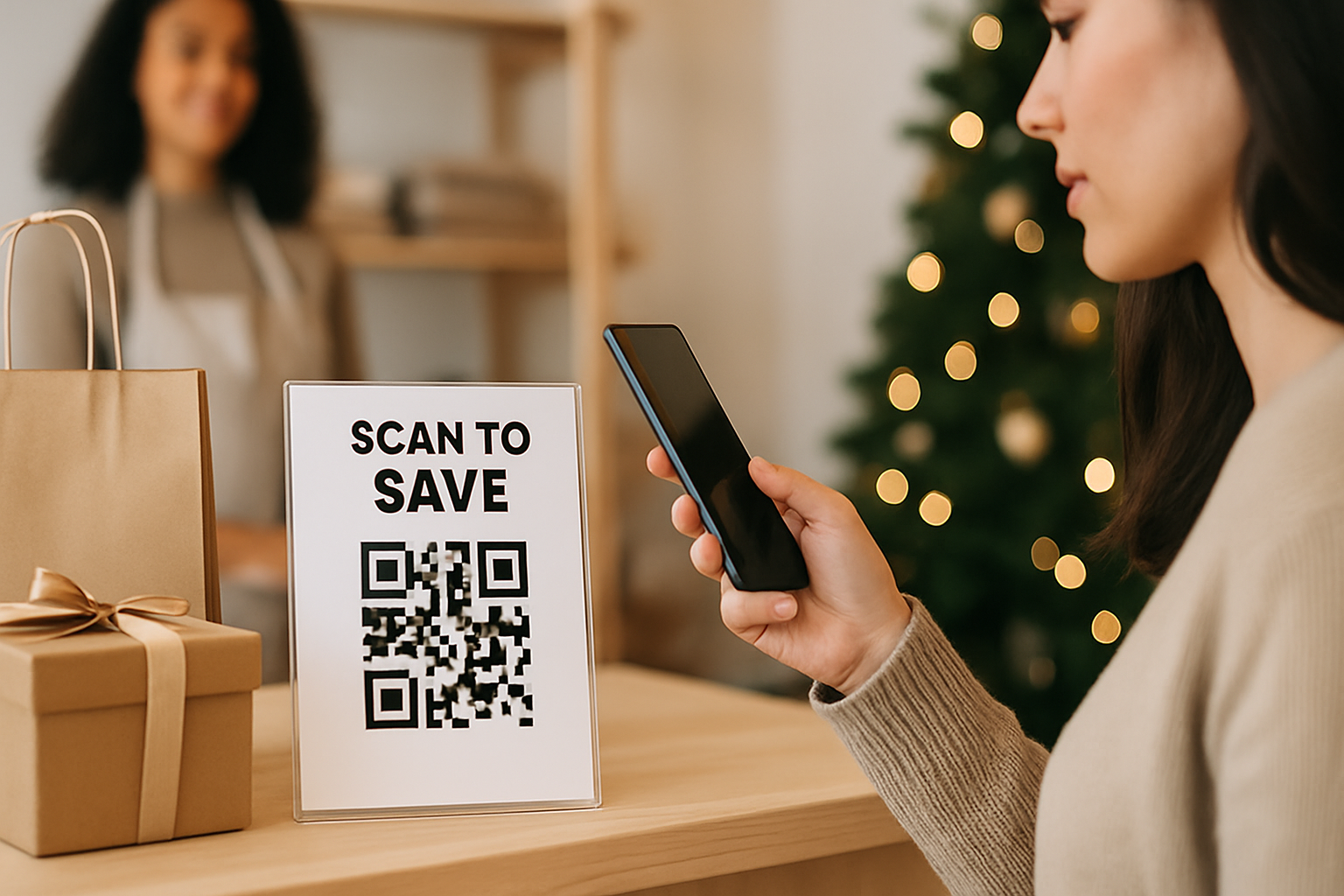
Printing QR codes onto holiday materials — gift wrap, window clings, in-store signage, mailers — is one of the easier wins in seasonal marketing. It's also one of the more reliably broken ones. The campaign goes live, the codes are physically out in the world, and then someone discovers the destination URL returns a 404, or the code is so small it won't scan under a store's warm-toned lighting. The fix is a pre-print checklist. Here's a practical one you can work through before anything goes to the printer.
Why Holiday Campaigns Specifically Need a Checklist
Seasonal campaigns have two properties that increase the risk of QR code failure:
- Hard print deadlines. Once holiday packaging or mailers are printed, reprinting is expensive or impossible.
- Short windows. A Black Friday code that stops working on December 26 is fine — but one that breaks on November 29 costs you the entire campaign.
Running a structured check before print catches most problems for under an hour of work.
The 9-Step Pre-Print Checklist
1. Use a Dynamic Code, Not a Static One
If you haven't yet, this is the most important switch you can make for any campaign material. Dynamic QR codes let you change the destination URL after printing, which means you can fix a broken link, swap an expired promo page, or redirect to a post-campaign landing page without touching the physical material. For holiday items that may stay in circulation through January (gift boxes, reusable bags), this is non-negotiable.
2. Confirm the Destination Page Is Live and Final
Scan the QR code yourself and verify:
- The landing page loads in under 3 seconds on a mobile connection
- The page reflects the correct seasonal offer (not last year's campaign)
- Any coupon codes or forms are active and functional
- The page isn't password-protected or behind a staging environment
3. Set a Campaign Expiry Redirect
If your holiday offer ends December 31, decide now where the code should redirect on January 1. Options include:
- A "this offer has ended" page with an email sign-up
- Your main homepage
- A new January promotion
Don't leave this until December 30. Schedule the redirect change in your dynamic QR platform before print approval.
4. Check Minimum Print Size
The general safe minimum for a QR code that will be scanned under normal conditions is 2 cm × 2 cm (about 0.8 inches). Below that, camera autofocus struggles, especially on older smartphones. If your code is going on a label or small hang tag, measure the allotted space before finalising the design.
5. Verify Color Contrast Against Your Holiday Design
Holiday palettes — deep reds, forest greens, gold foil, kraft brown — can swallow a QR code. A dark-module code on a dark background will fail. The rule is simple: the modules (dark squares) need to be significantly darker than the background they sit on. Understanding the contrast thresholds that keep codes scannable is especially relevant when your brand palette is built around rich seasonal colours.
6. Test on Multiple Devices Before Approval
Scan the proof image (not the original SVG — test the actual print-resolution export) on at least:
- An iPhone running iOS 17 or later (native camera)
- An Android device running Android 13 or later (Google Lens or native camera)
- One older device if your audience skews 50+
Test under the lighting conditions where the code will actually appear — warm store lighting, direct sunlight on outdoor signage, or indoor fluorescent if it's a supermarket promotion.
7. Add a Text Prompt Near the Code
"Scan for 20% off your order" outperforms a bare QR code by giving people a reason to act. On holiday materials, a short seasonal hook works well: "Scan to reveal your gift discount." Keep it under 10 words; more than that competes visually with the code itself.
8. Set Up Scan Tracking Before Launch
You want to know whether the campaign worked. Make sure your dynamic QR platform is logging:
- Total scans by day
- Device type breakdown (mobile OS)
- Geographic location if relevant (useful for multi-location retailers)
Tracking the right scan metrics during the campaign window gives you data to justify the spend next year — or to pivot mid-campaign if numbers are low after the first week.
9. Brief Everyone Who Touches the Final File
The most common cause of printed QR code failure isn't the code itself — it's a designer or printer who crops it, resizes it incorrectly, applies a colour overlay, or places it over a busy background element at the last step. Include a written note with your print-ready file: minimum clear space around the code (typically 4 modules on each side), do-not-alter instructions, and the test scan result as a reference image.
Quick Reference: Holiday QR Code Checklist
| Step | Check | Status |
|---|---|---|
| 1 | Dynamic code in use | ☐ |
| 2 | Destination page live and correct | ☐ |
| 3 | Post-campaign redirect scheduled | ☐ |
| 4 | Print size ≥ 2 cm × 2 cm | ☐ |
| 5 | Sufficient contrast against background | ☐ |
| 6 | Tested on iOS and Android devices | ☐ |
| 7 | Scan prompt text included | ☐ |
| 8 | Scan analytics enabled | ☐ |
| 9 | Print vendor briefed on handling | ☐ |
Key Takeaways
- Switch to a dynamic code so you can fix destination URLs without reprinting.
- Set your post-campaign redirect before print approval — not after the holiday ends.
- Test the exported print file, not just the digital original, on real devices.
- Contrast failures and undersized codes are the two most preventable causes of holiday QR scan drop-off.
- A text prompt near the code consistently improves scan rates on seasonal materials.
Whether you're building your first seasonal campaign or refining one that didn't perform last year, you can generate and manage dynamic holiday QR codes without a long setup time. The checklist above handles the rest.