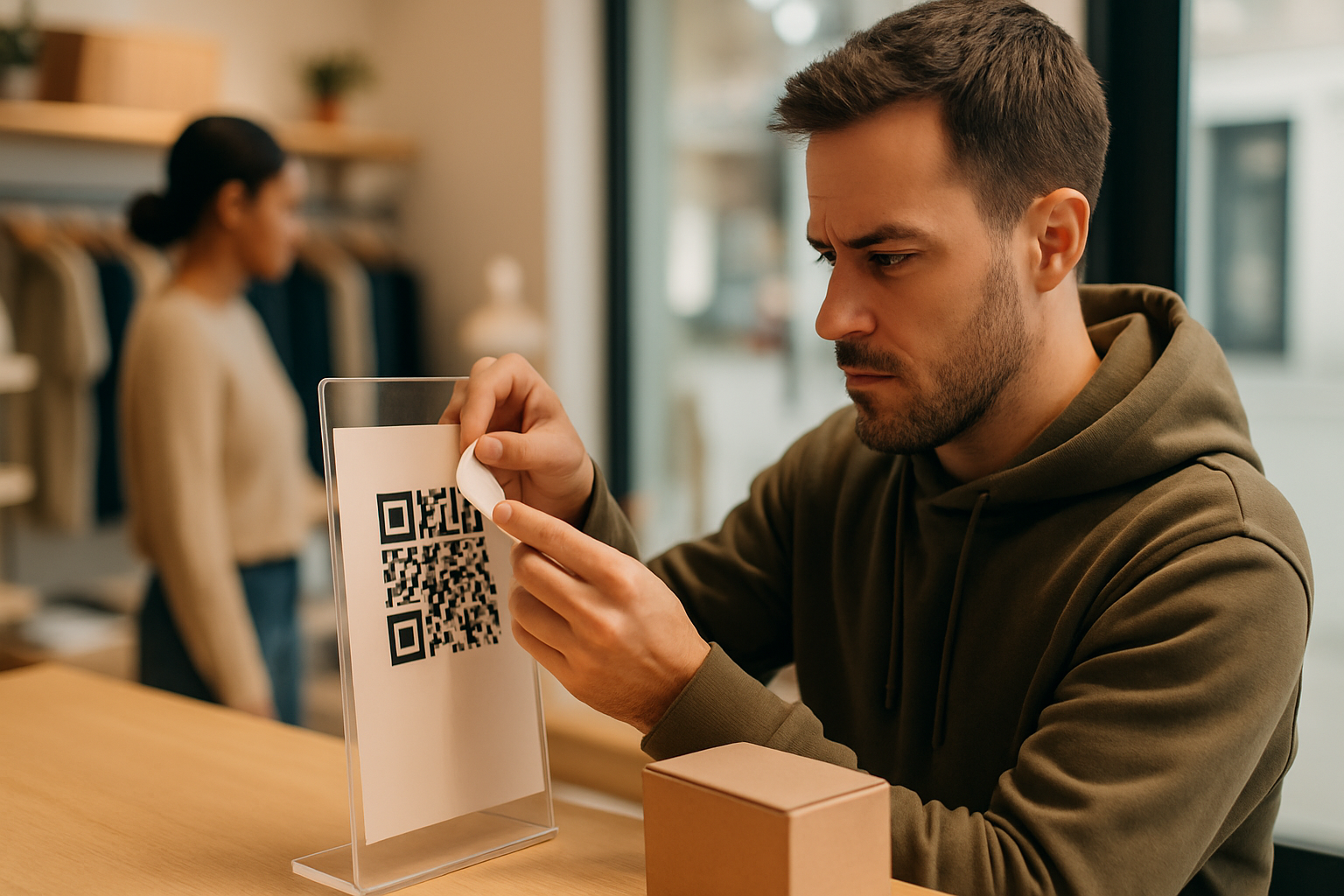
Physical QR code hijacking — where someone sticks a malicious code directly over yours — is one of the simplest and most effective attacks in the quishing playbook. The attacker needs no technical skill, no server access, and no phishing kit. A printed sticker and thirty seconds of unsupervised access is enough. If you've deployed QR codes in any public-facing location, understanding how this attack works is the first step to stopping it.
What Physical QR Hijacking Actually Looks Like
The attacker prints a QR code that resolves to a page they control — often a credential-harvesting login screen or a fake payment portal. They cut it to the right size and stick it over your legitimate code. To a scanner, nothing looks wrong: the code is right where it's supposed to be, the surrounding signage is untouched, and the sticker often matches your colour scheme closely enough to avoid suspicion.
Common targets include:
- Restaurant table tents and menu codes — visitors scan without thinking
- Retail point-of-sale signage — "scan to pay" codes are especially lucrative
- Event check-in stations — high volume, low staff oversight
- Parking and transport kiosks — users are often rushed and distracted
- Real-estate listing boards — outdoors, unattended for days at a time
The attacker doesn't need to steal credentials at scale. A single well-placed swap on a busy Saturday at a café can net dozens of victims before anyone notices.
Why Detection Is Harder Than It Sounds
Your customers won't report a bad scan if the destination page is a convincing fake. They'll either complete the form (handing over credentials), close the tab and move on, or assume the QR code is broken. None of those outcomes generate a complaint you'd connect to tampering.
Meanwhile, your legitimate dynamic QR will show zero scans for that period in your analytics — a signal that's easy to miss if you're not actively monitoring it. If you're using QR code analytics to track scan metrics, a sudden drop in scan volume from a specific location is one of your earliest warning signs.
Seven Steps to Harden Your Codes Against Physical Swaps
1. Print directly onto surfaces where possible
Stickers can be placed over stickers. If your substrate allows it, print the QR code directly onto the material — a laminated menu, a painted wall, or an engraved plaque — so replacement requires destruction rather than a quick overlay.
2. Use tamper-evident overlaminates
Transparent security laminates leave a visible "VOID" pattern when peeled. Apply them over every QR code you deploy in public. They won't stop a determined attacker, but they raise the effort bar considerably and make tampering visually obvious.
3. Include your brand URL inside or below the code
If your frame copy reads "Scan to visit yourbrand.com" and the destination URL the phone previews is something unrelated, the mismatch becomes visible before the user taps through. Pair this with a URL preview that shows the destination link so customers have one more checkpoint before landing anywhere.
4. Run weekly physical inspection rounds
Assign a staff member to physically check each deployed code. They should:
- Look for raised edges or visible sticker seams
- Scan the code themselves and verify the destination
- Check that the visual design matches the original artwork
Document the inspection date. This is especially important for codes left in unattended locations.
5. Monitor scan analytics for location-level anomalies
If a table code that normally gets 40 scans a day suddenly shows zero, something has changed — either the code is covered, damaged, or it's been hijacked and users are being redirected away from your platform entirely. Set up alerts or review location-level data weekly.
6. Use short, readable destination domains
Dynamic codes pointing to branded short domains (e.g., go.yourbrand.com/menu) are far easier for customers to sanity-check than opaque redirect chains. If someone's phone shows a long, garbled URL, train your staff to tell customers that's not normal.
7. Register the attack surface in your security training
Your front-of-house staff are your first line of defence. A team that knows what a swapped code looks like — and has a process for reporting it — catches incidents before they compound. The broader training context is covered in detail in the employee security training guide for QR codes.
A Quick Comparison: High-Risk vs. Lower-Risk Placements
| Placement | Risk Level | Reason |
|---|---|---|
| Outdoor kiosk, unsupervised | High | Easy access, long dwell time |
| Indoor counter, staff present | Medium | Staff may notice tampering |
| Printed directly into packaging | Low | Replacement requires new package |
| Embedded in digital signage screen | Very low | No physical surface to overlay |
When to Use Static vs. Dynamic Codes for Security
Static QR codes encode the destination URL directly into the pattern — you cannot change it if it's compromised, and there's no scan data to alert you to a problem. Dynamic codes let you update the destination immediately if you suspect a hijack, and they give you the analytics trail you need to detect anomalies. For any high-footfall public deployment, dynamic codes are worth the added cost. The static vs. dynamic QR code breakdown explains the trade-offs clearly if you're weighing the options.
You can generate and manage both types through the Super QR Code Generator if you want a single platform to track deployment status across locations.
Key Takeaways
- Physical QR hijacking requires no technical skill — a printed sticker is the only tool needed.
- Drop-offs in scan volume from a specific location are often the first detectable signal.
- Print codes directly onto surfaces and use tamper-evident laminates wherever possible.
- Always include a branded frame with your domain so customers can spot a URL mismatch.
- Dynamic codes let you update destinations instantly and give you the scan data needed to catch anomalies early.
- Weekly physical inspections are not optional if you have codes in unattended public spaces.