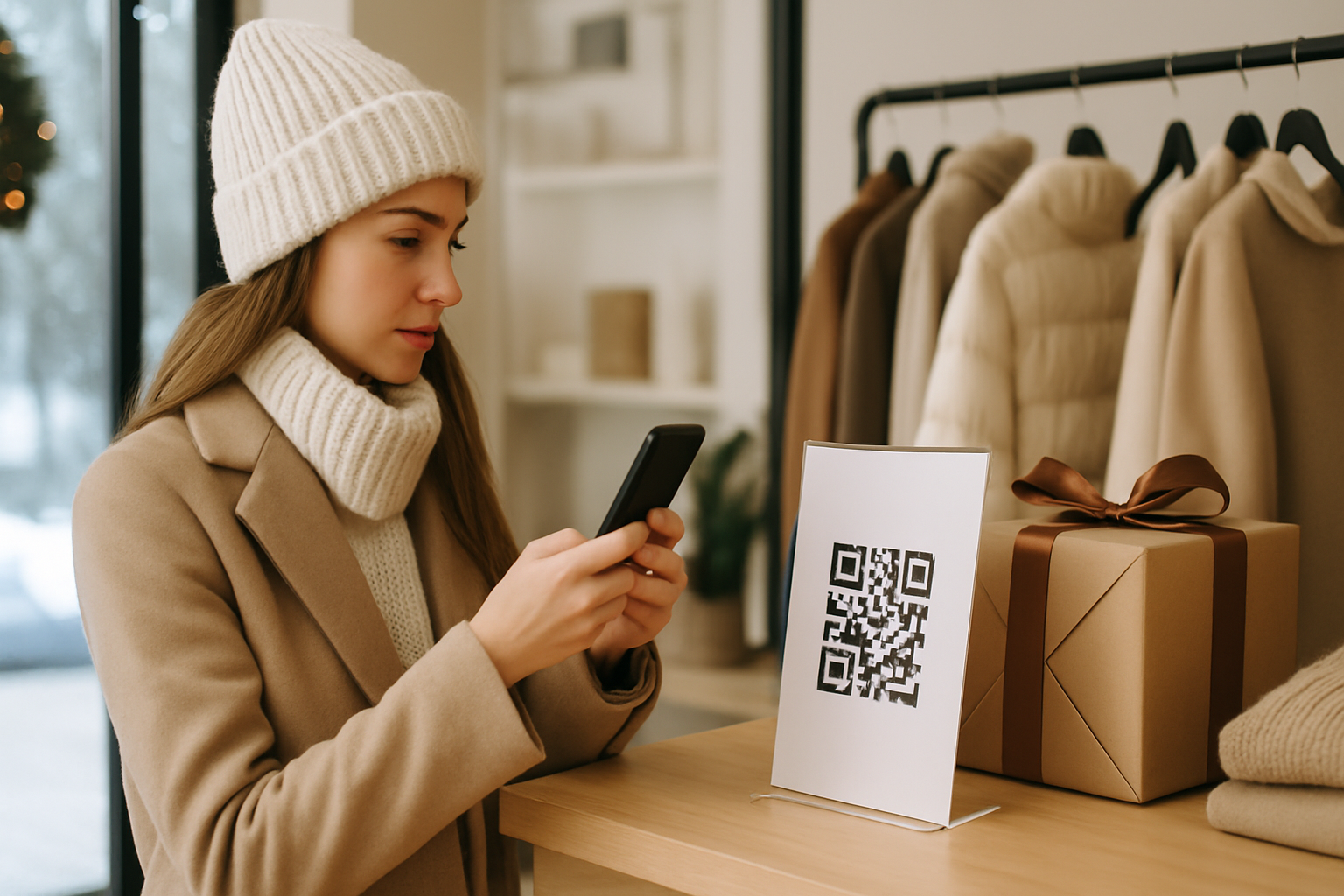
Planning a winter QR code campaign in July sounds premature until you realize that print lead times, promotional partnerships, and inventory decisions all happen 8–16 weeks before the holidays. This guide covers the specific decisions you need to lock in now — code type, destination strategy, design, and measurement — so you're not reprinting window clings in November.
Why Winter Is the Hardest QR Season to Manage
Summer campaigns are relatively forgiving: the URL is simple, the audience is relaxed, and there's usually room to iterate. Winter is different. You're competing for attention during Black Friday, Cyber Monday, Christmas, New Year's, and (depending on your business) Valentine's Day prep. Scanners are distracted. Offers change weekly. And your printed material will be live for 10–14 weeks across multiple overlapping promotions.
That environment punishes static QR codes. A static code bakes the destination URL permanently into the pattern — you cannot update it after printing. If your Black Friday offer expires and the code still points to a "50% off everything" page in January, you've handed frustrated customers a broken promise. This is the core reason winter campaigns should be built on dynamic QR codes, which let you swap the destination without reprinting.
The Four Phases of a Winter Campaign
Most retailers and service businesses run through four distinct promotional windows between November and January:
| Phase | Typical dates | Offer type |
|---|---|---|
| Pre-holiday teaser | Nov 1–21 | Early access, email capture |
| Peak sale window | Nov 22–Dec 26 | Discounts, bundles, gift guides |
| Post-Christmas clearance | Dec 27–Jan 3 | Liquidation, upsell |
| New Year reset | Jan 4–31 | Loyalty re-engagement, new product intros |
One dynamic code can serve all four phases. You update the destination at the start of each window. The printed materials — window stickers, shelf talkers, packaging inserts, table tents — stay unchanged.
Locking In Your Code Strategy Before August
Choose your code count deliberately
More codes mean richer data but more management overhead. A practical starting point for a single-location small business:
- One code per physical placement type (window, counter card, receipt, packaging)
- Not one code per individual unit — that's inventory tracking, which requires a different workflow
This gives you four data streams that tell you where customers are scanning — without creating a management headache.
Decide what the code does, not just where it goes
The destination matters as much as the placement. Common winter campaign destinations:
- Gift guide landing page — curated product groupings by price point or recipient type
- Loyalty enrollment page — captures email before the sale frenzy starts
- Countdown offer page — a single URL that updates its content each week (works well with CMS-driven pages)
- WhatsApp or SMS opt-in — increasingly popular for flash sale alerts
If you're unsure which code type fits your specific campaign setup, the QR code type finder can help you narrow it down before you commit to a design.
Build in routing logic for peak dates
Time-based routing lets one code send scanners to different pages depending on when they scan. If your platform supports it, set rules like:
- Before Nov 22 → early-access email signup
- Nov 22–Dec 1 → Black Friday/Cyber Monday offer
- Dec 2–24 → Christmas gift guide
- Dec 25–Jan 3 → clearance sale
- Jan 4 onward → loyalty/new year campaign
This approach is covered in depth for other contexts, but the principle applies directly to the winter window-of-windows problem.
Design Considerations for Winter Placements
Winter materials often use dark backgrounds — navy, forest green, burgundy, black. A standard black-and-white QR code on a dark background will fail to scan. Your module color needs to be significantly lighter than the background, not just different. The minimum contrast ratio that reliably scans is around 4:1 (light foreground on dark background works only if you invert the code — light modules, dark background). Review the contrast rules that prevent scan failures before you send anything to the printer.
Practical winter design checklist:
- If the background is dark, use an inverted code (light modules on dark) and test it on three different phones before approving
- Keep the quiet zone (white space border) at least 4 modules wide — winter packaging is often busy, and cramped codes fail
- Add a CTA frame: "Scan for our Christmas gift guide" converts better than an unlabelled code
- Avoid gloss laminate on small shelf talkers — glare kills scans under store lighting
Measuring the Campaign
The metrics worth tracking during a winter campaign differ slightly from a year-round setup. Because you'll update the destination multiple times, you need to segment your scan data by date range, not just by total volume.
Set up your analytics to flag:
- Scan spikes — correlate with promotional events (email blast, social post, in-store signage swap)
- Scan-to-conversion rate per phase — did the Black Friday destination outperform the clearance destination?
- Location breakdown — if you have multiple placements, which physical spot drove the most traffic?
Our guide to QR code analytics that drive decisions explains how to set up these comparisons without drowning in data.
The July–August Planning Window
Here's a realistic backwards timeline from a Black Friday launch (Nov 22):
- Jul–Aug: Finalize campaign phases, generate dynamic codes, lock destinations
- Sep: Design assets, send for print proofing
- Oct 1–15: Approve final print files, place print orders
- Oct 15–Nov 1: Receive and distribute materials to locations
- Nov 1–21: Teaser phase live, monitor early scan data
- Nov 22: Flip destination to peak sale page
If you're reading this in late July, you're not early — you're on time. Businesses that start this process in October end up with rushed print decisions or no time to test scan reliability on the actual finished materials.
You can build these codes today through our Super QR Code Generator and store them ready to activate, even before your landing pages are fully built.
Key Takeaways
- Use dynamic QR codes for winter campaigns — you'll need to update destinations multiple times across November–January.
- Plan four distinct campaign phases and route each one to a destination matched to that offer.
- Dark holiday backgrounds require inverted QR codes with confirmed contrast ratios — test physically before printing.
- Generate and test your codes in July–August; print deadlines make October starts risky.
- Segment your analytics by date range, not just total scans, so you can compare how each campaign phase performed.