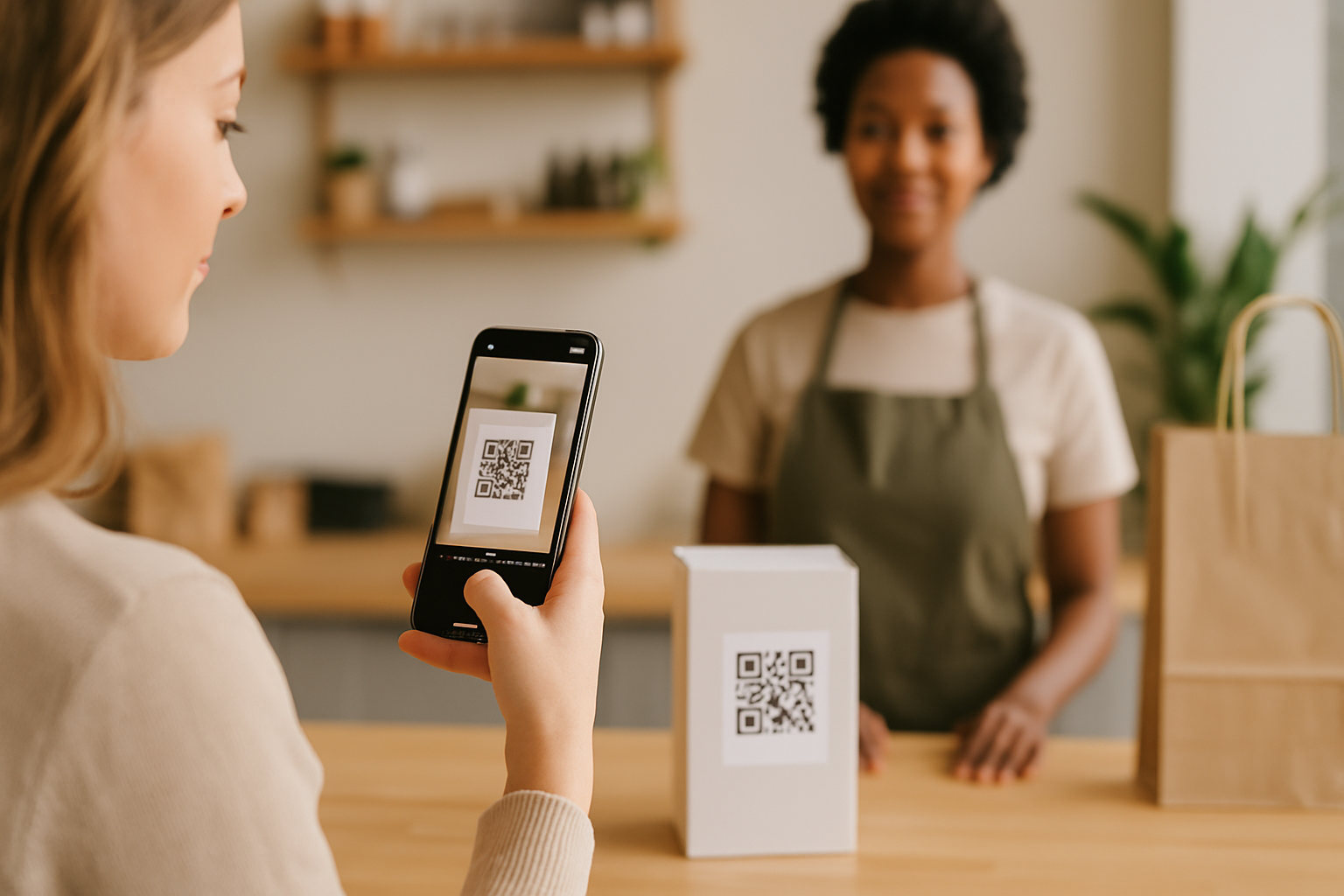
Most people scan a QR code and go wherever it sends them — no questions asked. That blind trust is exactly what attackers count on. One concrete defence that any business can deploy right now is making your QR code's destination URL visible before the page loads: a URL preview. It sounds small, but it gives scanners a moment to pause and verify — and that moment can stop a phishing attempt cold.
What a URL Preview Actually Means in QR Context
A URL preview is any mechanism that shows a scanner the full destination address before their browser commits to loading it. There are three main ways this shows up in practice:
- Native camera apps — iOS and Android both display a small banner with the destination URL when you hover your camera over a QR code. No app required. This preview appears for roughly one to two seconds before most users tap through.
- Short-link preview pages — Some URL shorteners insert an interstitial page that shows the destination URL, domain, and sometimes a screenshot of the page before forwarding.
- Landing-page URL disclosure — Your own redirect page shows the final URL in a visible, human-readable line before a "Continue" button.
Each layer puts the URL in front of the scanner's eyes. The more clearly that URL reads as your brand's domain, the safer your audience is.
Why the Native Camera Banner Isn't Enough
The native preview banner is useful but easy to miss. It appears briefly, often only shows the top-level domain, and disappears the moment a finger moves toward the screen. Attackers know this. They register look-alike domains — substituting a lowercase "l" for a "1", or using a different TLD — that slip past a two-second glance.
Relying solely on the native banner also means you have no control over what the scanner sees. If your QR code embeds a shortened URL (e.g., a generic bit.ly link), that's all the banner shows — not your actual destination. Scanners can't verify something they can't read.
How to Make Destination URLs Legible and Trustworthy
Embed your branded domain directly
The single most effective step is encoding your own domain directly in the QR code rather than a third-party shortener. When someone's camera shows yourbrand.com/menu instead of bit.ly/3xYz9q, they can verify it instantly. This is one reason dynamic QR codes built on your own domain are worth the small extra setup cost — you control both the short domain and the redirect target.
Use a branded short domain
If you need short URLs for print constraints, register a branded short domain (e.g., ybrand.co) and use it exclusively for your QR codes. Your IT provider or domain registrar can set this up in under an hour. This keeps your brand visible in the URL preview and prevents confusion with third-party shorteners attackers could imitate.
Add an interstitial preview for high-risk contexts
In environments where your QR codes will be scanned by less tech-savvy audiences — healthcare waiting rooms, government offices, financial-services counters — consider adding a simple interstitial redirect page. The page shows:
- Your logo and brand name
- The full destination URL in readable text
- A brief description of where the link leads
- A prominent "Continue" button
This adds one tap, which is a small friction cost. The trust it builds more than compensates, especially when the scanned materials deal with sensitive actions like payments or form submissions.
Keep redirect chains short and auditable
Every additional hop in a redirect chain is another URL the scanner never sees. A QR code that redirects through three services before reaching your site exposes each intermediate URL as a potential phishing insertion point. Our post on QR code redirect chain security risks covers this in detail, but the short rule is: keep it to one redirect maximum, and audit that redirect monthly.
What to Include in a URL Preview Page
If you build your own interstitial, keep it minimal and fast:
| Element | Purpose |
|---|---|
| Brand logo | Confirms source identity |
| Full destination URL (not shortened) | Lets scanner verify the domain |
| One-sentence description of the destination | Reduces uncertainty |
| "Continue" / "Cancel" buttons | Gives scanner agency |
| Page load time under 1 second | Prevents drop-off |
Avoid embedding ads, pop-ups, or anything that obscures the destination URL. The sole job of this page is clarity.
Communicating the Preview to Your Audience
Even technically sound previews fail if scanners don't know to look for them. Add a one-line instruction near the QR code in print materials:
"A preview page will show before you're redirected. Confirm you see [yourbrand.com] before continuing."
This primes users to pause at the preview rather than tap through reflexively. It also signals that you take their security seriously — which, for businesses using QR codes in loyalty programmes, payments, or account access, is a meaningful trust signal.
For businesses using QR codes extensively across physical locations, tools like Super QR Code Generator let you control the destination URL and redirect behaviour from one dashboard, making it easier to audit and update links without reprinting materials.
When URL Previews Are Especially Critical
Not every QR code carries the same risk. Prioritise URL preview measures when your codes:
- Link to payment pages or checkout flows
- Request login credentials or personal data
- Appear in publicly accessible spaces (transit, restaurants, events) where tampering is easier
- Are distributed via printed flyers that leave your hands before they reach scanners
Menu QR codes at a table you control daily are lower risk. A flyer distributed at a trade show and scanned weeks later is higher risk. Calibrate your preview investment accordingly.
It's also worth knowing how to detect tampering on physical QR codes — URL previews protect scanners in the digital layer, but physical sticker replacement is a separate attack vector that needs its own countermeasure.
Key Takeaways
- The native camera URL banner is a first line of defence, not a complete one — it's brief and shows shortened URLs as opaque strings.
- Encoding your own branded domain directly in the QR code is the most legible trust signal for scanners.
- An interstitial preview page with your logo, full destination URL, and a "Continue" button adds meaningful protection in high-risk contexts.
- Keep redirect chains to one hop, use a branded short domain if you need URL compression, and audit redirect targets monthly.
- A one-line instruction near the QR code primes users to verify the preview rather than tap through by reflex.